
 GConvert
 Enlarge image
 What is a 32-bit alpha-blended icon?
A 32-bit icon image combines a 24-bit color image (16.8 million colors, RGB) with an 8-bit image called the alpha channel. In 32-bit icons the alpha channel plays the role of the mask: each of its 256 values tells how transparent the corresponding pixel is, from fully transparent to fully opaque. The result is a smooth transparency with anti-aliased edges and effects such as the shadows behind the icons of Windows XP.
View and work on the alpha channel
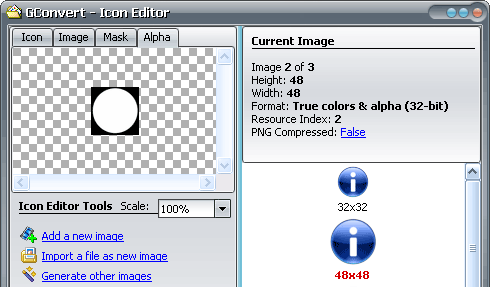
The Alpha tab of the icon editor's preview window displays the alpha channel of any 32-bit icon image on its own, next to the Icon, Image and Mask views. When you import a 32-bit bitmap, a PNG or a PSD file as an icon image, its alpha channel is imported with it, and the images that GConvert generates from a 32-bit source keep their transparency, alpha channel included.
 Enlarge image
 Keep or flatten transparency when converting
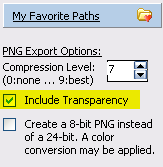
When an icon is converted to a format that supports alpha channels, such as PNG, Photoshop PSD or 32-bit BMP, GConvert embeds the alpha channel in the output file, so the exported image looks exactly like the icon. When the destination format does not support partial transparency, GConvert draws the alpha channel over the background color of your choice, or removes it: 32-bit images can be turned into images without alpha channel, which is useful for GIF files.
 Enlarge image